


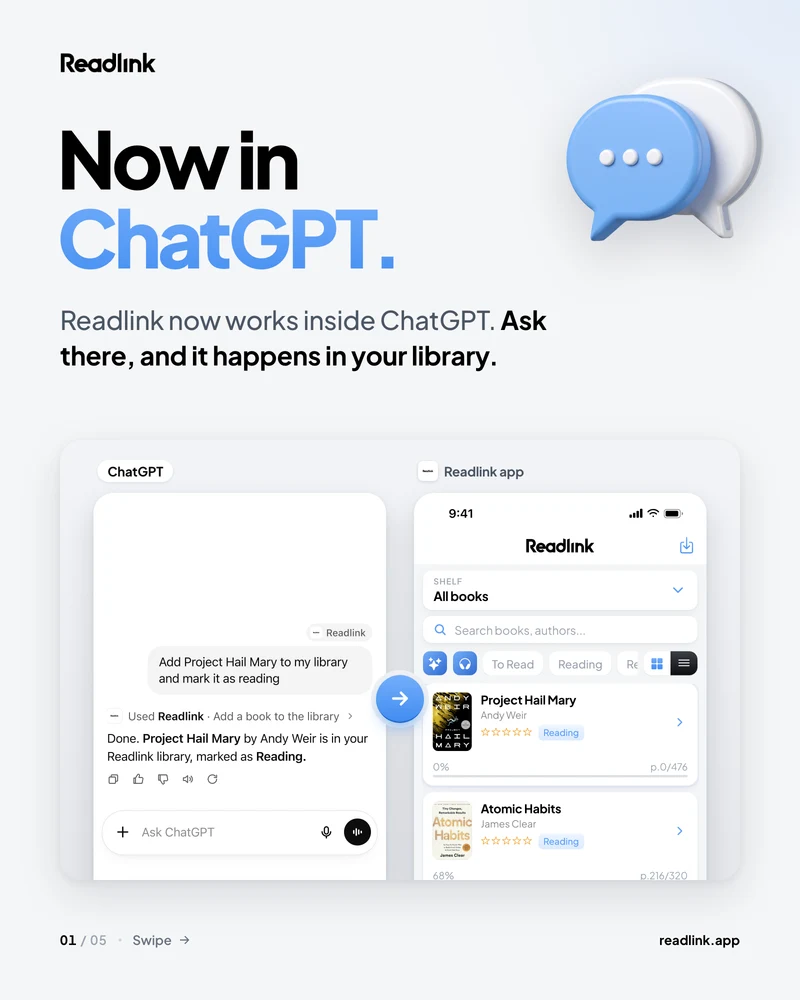
Readlink now works inside ChatGPT. Connect the Readlink app once and you can ask ChatGPT to add a book, log the page you're on, rate and review, save a note or a quote, build a shelf or update your wishlist, and it all shows up in your Readlink library. It's one of the first full book trackers you can use through ChatGPT connectors (now called apps and plugins in ChatGPT).
How to add Readlink to ChatGPT
- Open the Readlink app in ChatGPT: chatgpt.com/plugins, or search "Readlink" under Settings → Plugins in ChatGPT.
- Install and connect. ChatGPT sends you to Readlink to sign in and approve the connection. If you don't have a Readlink account yet, one is created when you sign in.
- Use it in any chat. Pick Readlink from the + menu, or type @Readlink, then ask in plain words.
ChatGPT shows each Readlink action it uses, and you choose how often it asks before acting: always, for read actions only, for low-risk actions, or for everything (OpenAI). Which plans can use apps depends on your ChatGPT plan, region and workspace. Step-by-step setup, with the connector URL for workspaces that add it as a custom app, is on our connectors page.
What you can ask ChatGPT to do in Readlink
| You say | Readlink does |
|---|---|
| "Add Project Hail Mary to my library and mark it as reading." | Finds the book, adds it, sets the status |
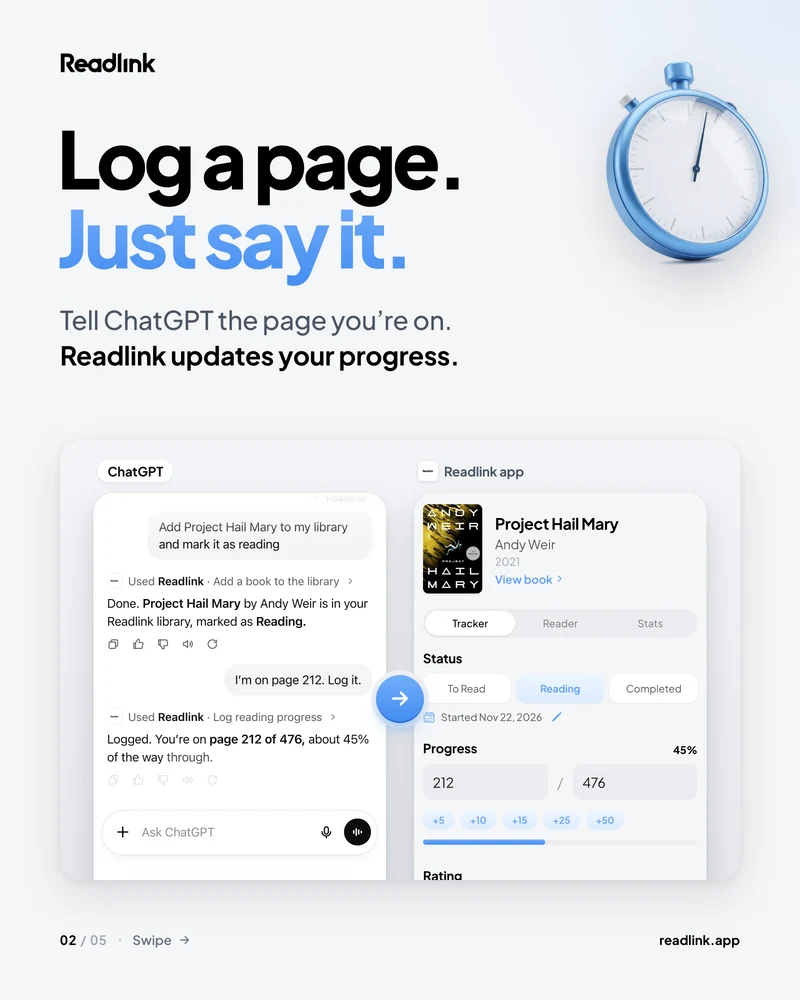
| "I'm on page 212. Log it." | Logs your progress and updates the percentage |
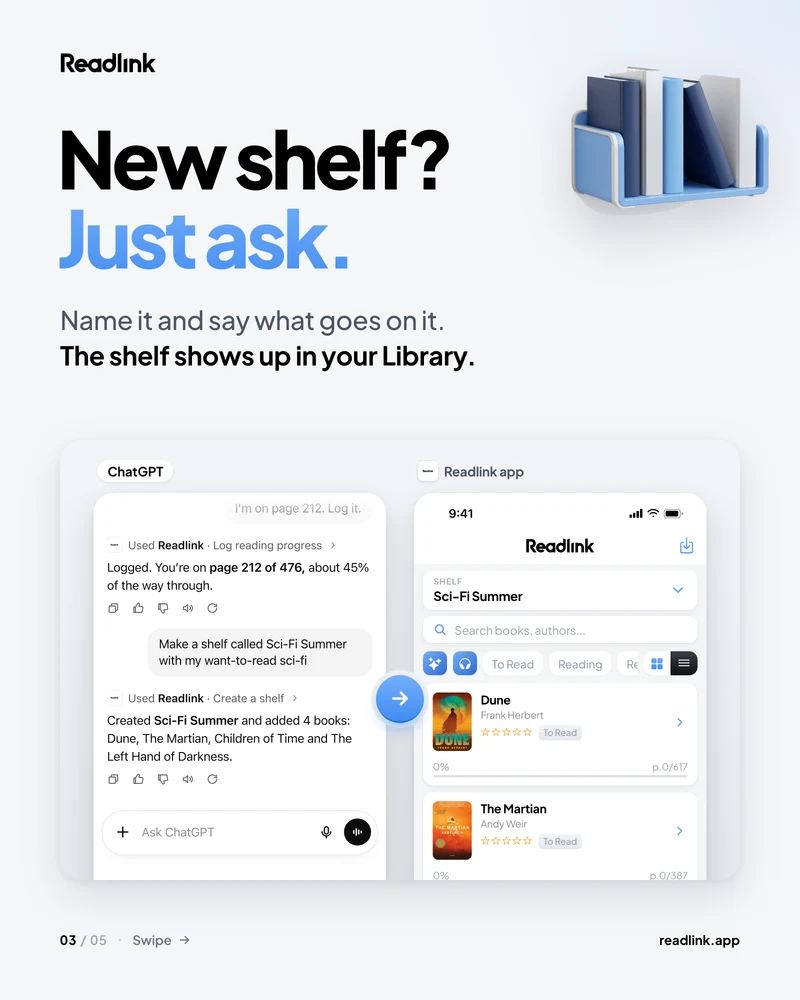
| "Make a shelf called Sci-Fi Summer with Dune, The Martian and Children of Time." | Creates the shelf and adds the books |
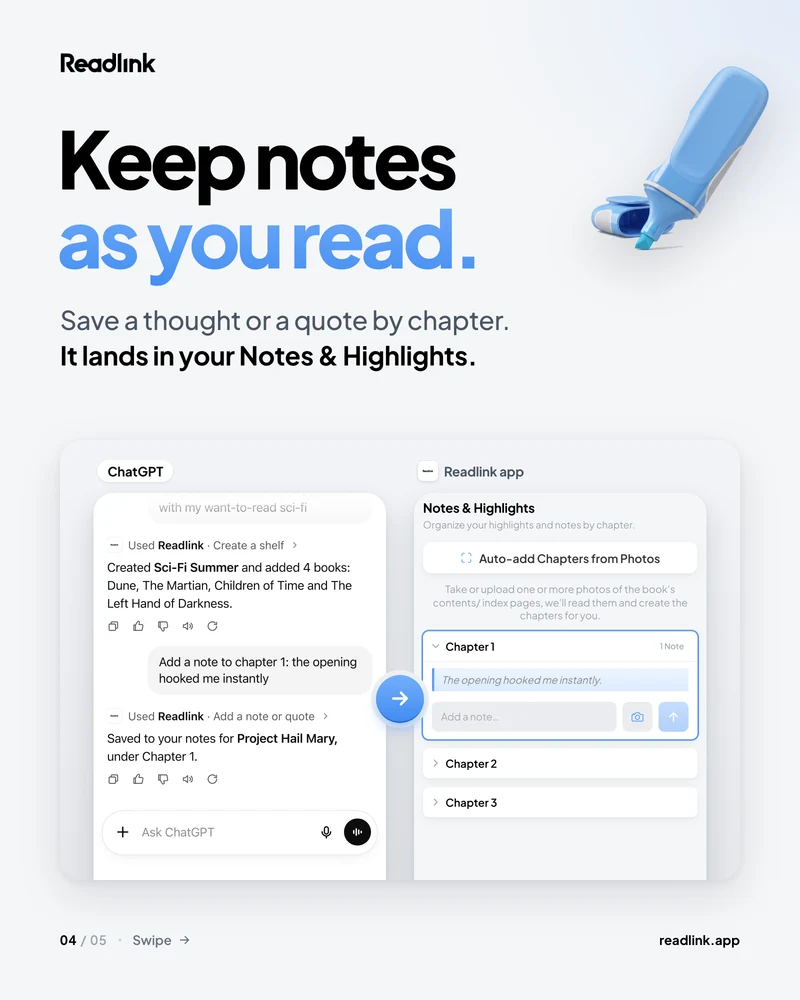
| "Add a note to chapter 1: the opening hooked me instantly." | Saves the note under that chapter in Notes & Highlights |
| "I finished Educated. Four and a half stars." | Marks it completed and rates it (ChatGPT confirms before posting a review) |
| "Which books on my wishlist are under 300 pages?" | Reads your wishlist and answers |
| "Summarise my highlights from Atomic Habits and save the summary as a note." | Reads your highlights, then saves a new note |
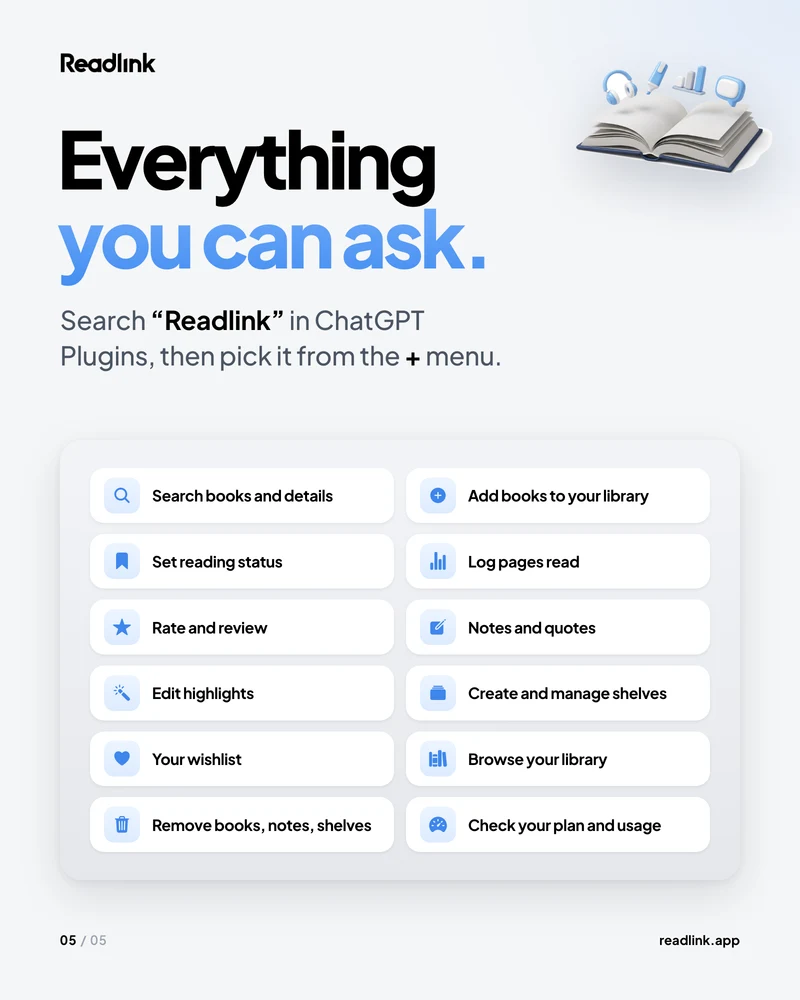
Everything the Readlink app can do in ChatGPT:
- Find books: search by title, author or ISBN, and see a book's details.
- Your library: add books, set the status (To read, Reading, Completed) with dates, log pages, browse your library.
- Rate and review in half stars.
- Notes and quotes by chapter: add, edit or delete notes, and edit or delete highlights.
- Shelves: create, rename, add to, remove from and delete.
- Wishlist: list, add and remove.
- Your plan: check how many actions you have left today.
What stays in the Readlink app: reading your ebooks and PDFs, Readlink AI chats, the Feed and News, scanning shelves and pages, imports, and your settings. The ChatGPT app can't post, message, follow anyone or change settings; the only thing other people can see is a rating or review you ask it to leave.
What is an MCP server?
MCP, the Model Context Protocol, is an open standard that lets an AI assistant connect to an outside service. An MCP server is the service's side of that connection: it tells the assistant which actions exist ("add a book", "log progress") and carries them out when asked. OpenAI's Apps SDK, which powers apps in ChatGPT, is built on MCP (OpenAI).
Readlink runs its own MCP server with 26 actions: 9 that read your library and 17 that change it, from adding a book to deleting a shelf. You sign in on Readlink's own screen, so ChatGPT gets a token for your account, never your password.
Reading apps in ChatGPT, compared
| ChatGPT app or MCP server | What it can do | |
|---|---|---|
| Readlink | Official ChatGPT app | Full library: add books, status, pages, ratings and reviews, notes by chapter, shelves, wishlist |
| Readwise | Official MCP server and ChatGPT app | Your highlights and Reader documents; list your books and add books by ISBN or title |
| Achriom | Official ChatGPT app | Tracks books alongside movies, shows, music and games |
| Hardcover | Community-built MCP servers, using your API key | Search, manage your library, track reading |
| Goodreads | None found | Readers export a CSV and paste it into ChatGPT |
| StoryGraph | None found |
Sources: Readwise, Achriom, hardcover-mcp.
Privacy and control
- Your password stays with Readlink. ChatGPT only gets a sign-in token.
- You decide how often ChatGPT asks before running an action.
- Disconnect any time under Settings → Plugins in ChatGPT.
- What ChatGPT keeps: on personal plans, OpenAI may use app data from your chats to improve its models if "Improve the model for everyone" is on; on Business, Enterprise and Edu plans it is not used for training by default (OpenAI).
- What Readlink keeps: a daily count of actions and which action was used, not the content of your chats. Readlink never sells your data.
Free vs Premium
| Free | Premium | |
|---|---|---|
| Readlink in ChatGPT | 20 actions a day | Unlimited |
Premium is $14.99 a month or $119.99 a year. See the Premium page.
Prefer to ask inside the app?
Readlink has its own reading assistant too. Readlink AI answers questions from your library, ratings, notes and highlights, explains passages as you read, and recommends what to read next. ChatGPT brings your library to the chatbot you already use; Readlink AI brings the chatbot to your library. Both are part of the all-in-one reading app. New to Readlink? Our Goodreads alternatives guide shows how it compares and how to import your library.
Sources
- Connected apps in ChatGPT and Building with the Apps SDK, OpenAI Help Center
- Readlink in ChatGPT
- Readwise MCP, Achriom for ChatGPT, hardcover-mcp
- OpenAI launches apps inside ChatGPT, The Economic Times


